-
Free Custom Volume -NinjaTrader8
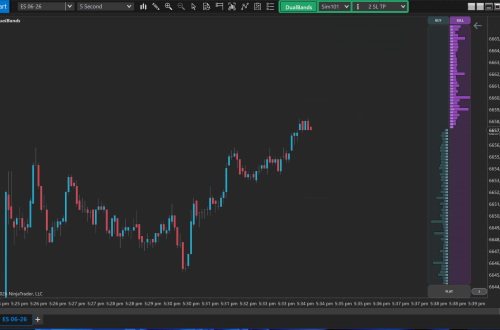
The Free Custom Volume Indicator for NinjaTrader displays volume activity with distinct colors for rising and falling volume bars. It enhances visual analysis by coloring bars green for ‘up’ volume where activity is above a specified threshold and red for ‘down’ volume below it. Additionally, the indicator includes a moving average line for volume, providing a clear reference point for identifying trends and potential reversals in market sentiment based on trading volume.
-
Swing Lines Add-on for NinjaTrader8
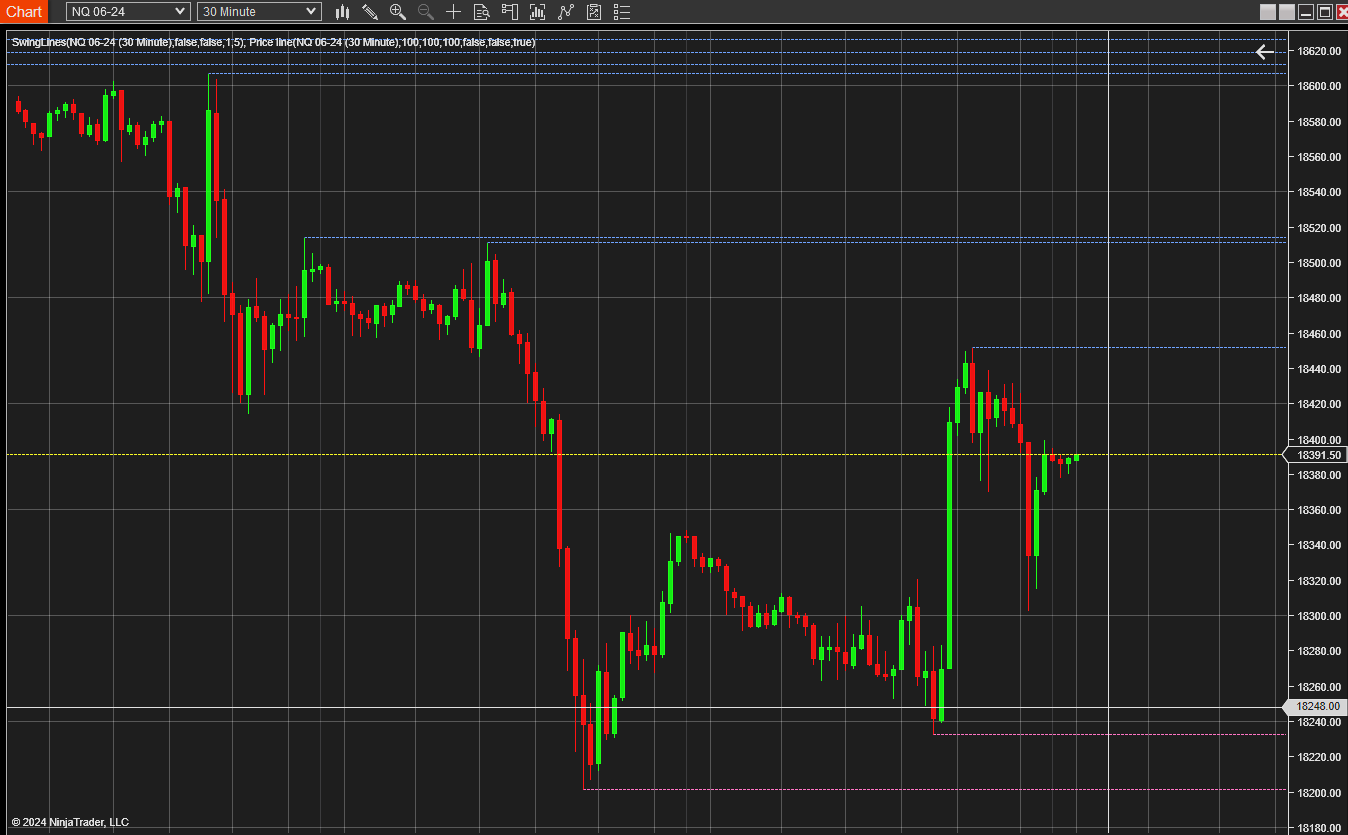
The Swing Lines Add-on for NinjaTrader8 plots lines extending from swing points to the right edge of the chart and will issue alerts when price crosses these lines. There is also an option to retain these lines after they’ve been breached by the price. Be aware that enabling the “keep broken lines” feature can result in numerous lines being drawn on the chart; therefore, it is turned off by default for clarity. With the Swing Lines Add-on for NinjaTrader8 you have the flexibility to customize the color of the swing lines and the alert sounds to suit your preferences. Both visual and audio alerts can be activated to notify you…
-
High/Low Envelope
High/Low Envelope Download Introducing the High/Low Envelope Indicator You can find some other free products like the High/Low Envelope also at www.scalpradar.com The High/Low Envelope, a dynamic tool plots the highest and lowest prices reached within a specified number of periods, offering insights into price movements. With default settings analyzing 14 periods, you have the flexibility to adjust properties to suit your preferences. Customize line style and colour, The possibility to choose to plot only high, low, or both, ensuring a tailored experience. Whether you’re identifying support/resistance levels or anticipating breakouts, this indicator provides clarity and precision. Easily navigate parameter settings to fine-tune your analysis. Enhance your trading strategy with…
-
Bollinger Width
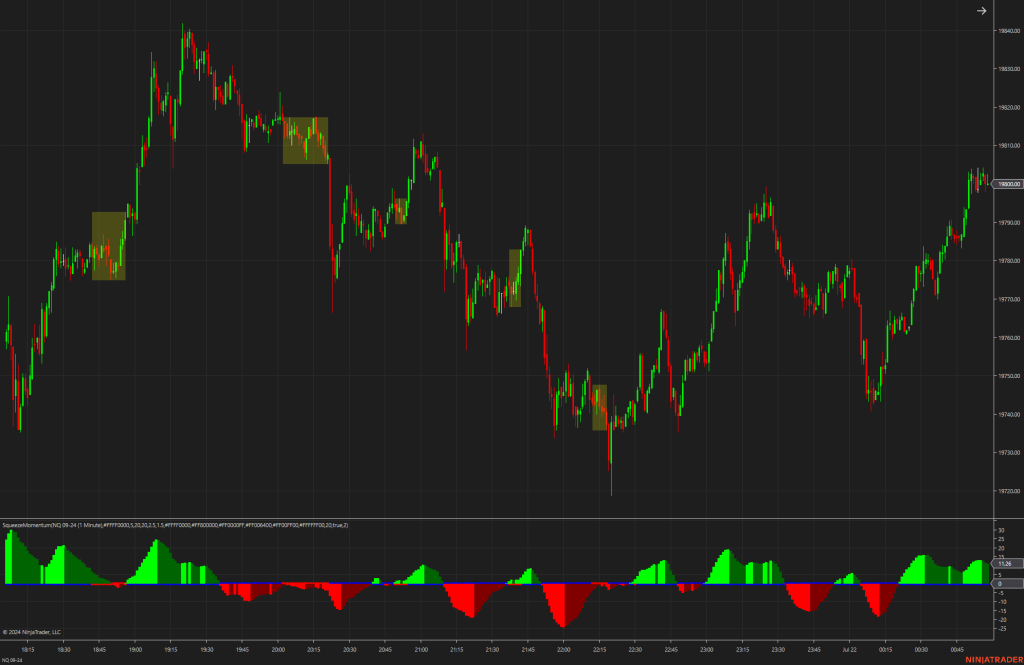
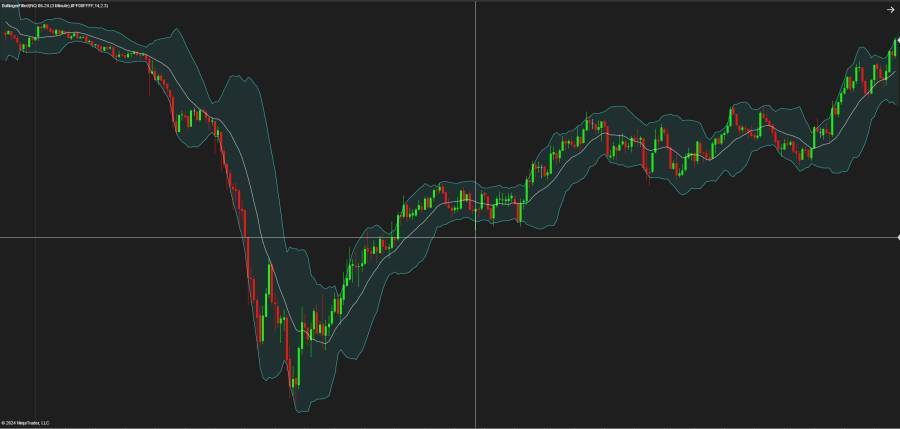
Bollinger Width The Bollinger Width Indicator is a technical analysis tool that can provide unique insights into market volatility. Derived from the Bollinger Bands, which consist of a moving average and two standard deviation lines (bands) above and below it, the Bollinger Band Width measures the distance, or width, between these bands. What is Bollinger Width? Bollinger Width quantifies the gap between the upper and lower Bollinger Bands. This gap widens with increasing market volatility and narrows during less volatile periods. It’s a simple metric calculated by subtracting the lower band from the upper band and can often be represented as a separate chart below the main price chart. Significance in Trading…
-
Market Wizards – Jack D. Schwager
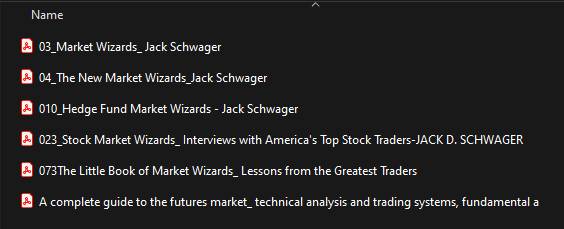
Jack D. Schwager’s Market Wizards series stands as a beacon of insight and wisdom in the world of trading. With each edition, Schwager invites readers into the minds of the market’s most successful traders, offering invaluable lessons and strategies for navigating the complexities of financial markets. Through candid interviews and profound analysis, ‘Market Wizards’ equips traders with the knowledge and inspiration needed to thrive in ever-changing market conditions. From legendary investors to hedge fund managers, Schwager’s series illuminates the diverse paths to trading success, making it an essential read for traders of all levels. Full Series
-
Supply Demand Zones for NT8
Supply Demand Zones for NT8 add-on plots supply and demand-based zones from various time frames on the chart. It also adds a context menu item to the default Ninja Trader context menu to hide and show active and broken zones. You can add the indicator multiple times on a chart and select different time frames for the supply-demand zone. Can customize color for each time frame so will know what TF that zone is plotting Supply Demand Zones for NT8
-
BreakevenPlusX -NT
BreakevenPlusX -NT: adds buttons to the chart trader to move the stop to breakeven plus a defined number of tick. Download the files of this repository – In NinjaTrader go to `Tools -> Import -> NinjaScript Add-On` and select the downloaded ZIP file – Right click on a chart, select `Indicators…` and find `BreakevenPlusXTicks` in the list of indicators Usage You can add up to four buttons – Each button can have a different color and tick value – Use [AutoHotkey](https://www.autohotkey.com/) or similar to define shortcuts for the buttons. Thanks to CrazyIvan for creating this
-
Ninja Trader Anchored VWAP
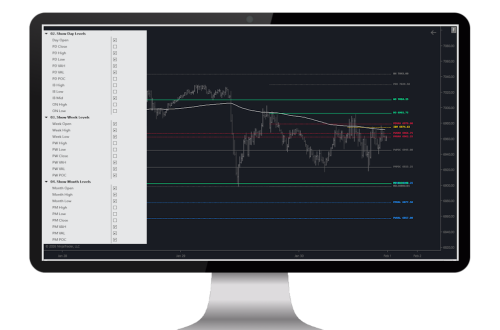
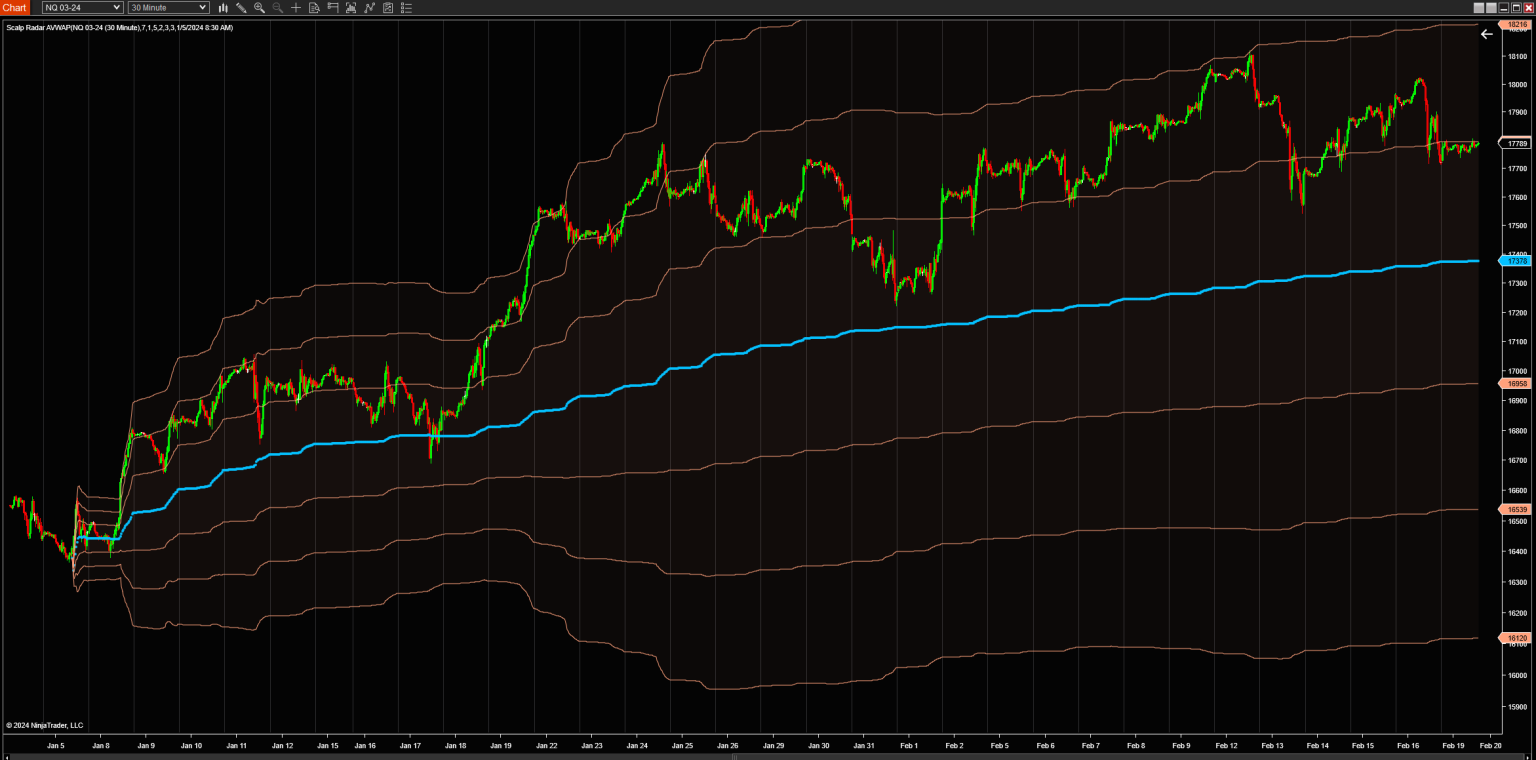
The Power of Anchored VWAP Unveiled Complete Guide to Anchored VWAP Indicator Found the best AVWAP for NT at ScalpRadar.com It comes with a 5 days trial and a launch discount 0f 30% at checkout. No code need it https://scalpradar.com/products/anchored-vwap-indicator-for-ninjatrader What Is Anchored VWAP? This Ninja Trader Anchored VWAP add-on is a variation of the VWAP indicator (one of the popular technical indicators ) that uses a specific time and price level as an anchor point, or starting point, rather than the beginning of the current session or trading day. The anchor point can be a significant high or low point in the price action, a pivot level, or any…
-
Prop Trader Account Tool
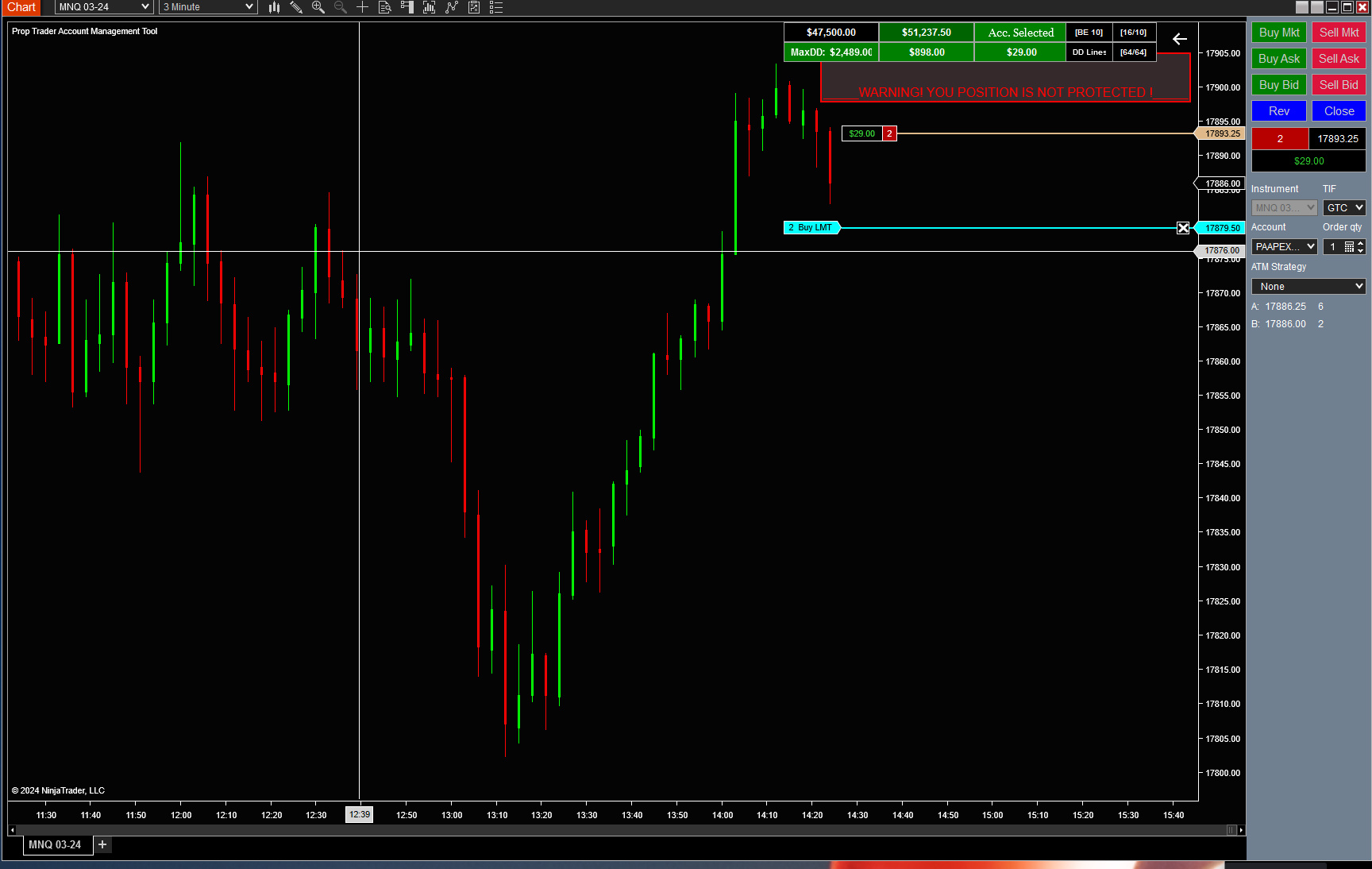
Prop Trader Account Tool The Prop Trader Account Tool is an indispensable instrument for any Prop Trader, it displays your Trailing Drawdown and Trailing Threshold in real-time, along with other vital Account statistics. It also visualizes three specific percentage levels of your Drawdown on the chart, assisting you in maintaining a robust account. The tool includes options for a flexible Stop Loss at break-even or a Trailing Stop, as well as bracket orders for those who opt for them. When using first time on an account check box after inserting the values of the existing account!! The Prop Trader Account Tool now issues a cautionary alert if there is no…
-
Ninja Trader Trade Copier Free
The Ninja Trader Trade Copier is a tool designed for copying orders between different positions, offering the flexibility to mix and match accounts and instruments. For instance, a master position might be set up with Account: TT12345 and Instrument: /ES 03-24, while a follower position could also use Account: TT12345 but with Instrument: /MES03-24. In such cases, the distinction between master and follower is determined by the combination of account and instrument, rather than the accounts themselves. Created By zacharydw00 Here’s how the Ninja Trader Trade Copier operates: – It replicates market orders to the follower positions immediately after an order is placed in NinjaTrader. – For limit/stop orders, it waits…